Introducing Telegram Business

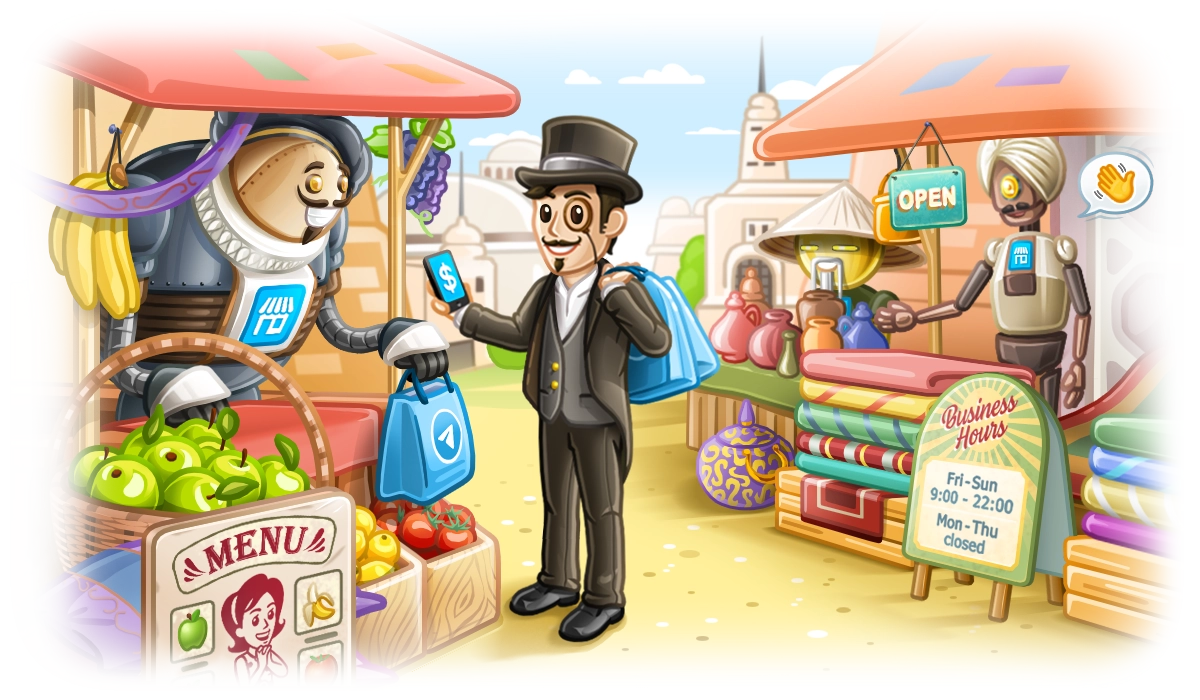
Starting today, anyone can turn their Telegram account into a business account – and get access to business features, such as opening hours, location, quick replies, automated messages, custom start page, chatbot support, and more.
Introducing Telegram Business
Telegram has long allowed developers to build powerful bots and mini-apps which were widely used by businesses.
Starting today, any user can easily use business features — without any coding skills.
Hours and Location
Businesses can display their hours of operation and show their location on a map.
Users will know where to find you and immediately see if you're open.
Start Page
Businesses can customize their start page for empty chats, choosing which text and sticker people see before they start a conversation.
This lets you showcase info about products and services or welcome customers with branded artwork.
Quick Replies
Telegram Business allows you to create quick replies. Quick replies are shortcuts for sending preset messages that may contain several messages and support text formatting, links, stickers, media, and files.
This helps you quickly send information that your customers often need – like a schedule of classes or a PDF with your menu.
Typing a
/in the message bar shows a panel with all of your quick replies – that you can send or edit in one tap. This only works in private chats, not groups.
Greeting Messages
For more automation, you can set a greeting message that will be sent to users who contact you for the first time. This will ensure they get an instant reply with important info – or just a friendly hello. 
Your greeting may also include answers to frequent questions or more details about your business.
You can specify a period after which a new message will result in your greeting being sent again.
Away Messages
You can also set an away message to be sent when your business is closed or while you're on vacation.
This way people will always know when they can expect a response from your business.
To prevent sending business messages to friends, family, or employees, you can limit any automated messages to exclude specific chats or entire chat categories.
Tags for Chats
With Telegram Business or Premium, you can add colored labels to chats, giving them unique tags based on the chat folders they are in.
This helps you quickly differentiate between customers in your chat list based on their status, needs, or priority level.
All Telegram users can create custom chat folders to organize their chats – adding separate tabs to the chat list for Work, School, News and more.
Links to Chat
To make it even easier for customers to reach out, you can create links to chat with your business – like a button to reserve a table or track an order. When tapped, these links instantly open a chat with you and paste a suggested message for the user.
You can use these links both inside and outside of Telegram – from a link on your site to a QR code on a restaurant menu.
Each link shows how many times it was tapped so you can track its performance.
Chatbots for Business
Business users can connect Telegram bots that will process and answer messages on their behalf. This allows businesses to seamlessly integrate any existing tools and workflows, or add AI assistants that manage their chats.
When adding a chatbot, you can configure which chats the bot can access – such as excluding all chats with your contacts, or only responding to new chats.
This opens a new era for Telegram Bots – we welcome all developers to create new services that will help businesses automate and improve their communication with Telegram users. See our Bot Manuals for details.
Telegram will be introducing new features for businesses in the coming updates. For the moment, all Telegram Business features are available for free to Premium subscribers. You can find them in Settings > Telegram Business.
March 31, 2024
The Telegram Team
Other News

Welcome Messages, Buttons in Messages and Signed Gifts

Rich Text Editor, Communities, Ephemeral Messages in Groups, 350 Million GIFs

Smartwatch Apps, Rich Text for Bots, AI Guardians for Groups, and Much More
